
Your Shopify store's abandoned carts are piling up while your best customers go days without hearing from you. Bulk WhatsApp messaging fixes that, but only if the tool actually syncs with your store and respects WhatsApp's rules. The wrong pick wastes your budget and risks a ban.
By the end of this article, you'll know exactly which features matter for Shopify integration, how pricing scales with your order volume, and why Com.bot ranks as the best overall choice. You'll also get a clear breakdown of WhatFlow, Klaviyo, Postscript, and TxtCart AI, plus a final verdict to make your decision today.
What to Look For in WhatsApp Bulk Message Sender Tools for Shopify
Choosing the right WhatsApp bulk message sender for your Shopify store hinges on a few non-negotiable features that directly impact your ROI and customer experience.
Not all tools are created equal. Some offer deep Shopify integration while others only provide basic messaging, so you need a clear checklist before committing to any platform.
The ideal solution should handle your day-to-day operations and scale with your growing customer base. This section breaks down the must-have features and pricing structures to evaluate.
Key Features for Shopify Integration and Automation
The best tools offer native Shopify integration, letting you sync customer data and trigger messages based on order events like 'order confirmed' or 'shipped'. This automation keeps customers informed without manual effort on your end.
Look for these essential capabilities when comparing WhatsApp bulk message sender options:
- Order updates and delivery notifications that fire automatically from Shopify events
- Abandoned cart recovery flows that re-engage shoppers who left items behind
- Broadcast lists for sending promotional campaigns to segmented audiences
- Personalized message templates that respect opt-in consent rules
- Drip campaigns for post-purchase follow-up and customer engagement
- Customer segmentation based on purchase history or browsing behavior
- Media attachments like images, PDFs, and catalogs
- Message scheduling to send at optimal times
- CSV import for easy contact management
WhatsApp Business API compliance is non-negotiable. Tools that operate outside official API guidelines risk getting your number banned, which would halt all your WhatsApp marketing efforts.
Consider whether the tool supports click-to-WhatsApp ads. This feature lets you run ads that open a WhatsApp chat directly, shortening the path from ad impression to conversation.
For larger teams, check if the platform includes multi-agent support or a WhatsApp chatbot. These features help you manage incoming messages efficiently during high-volume periods.
Pricing Models and Scalability Considerations
Pricing structures vary widely, some charge per message, others per seat, so you need to calculate total cost as your order volume grows.
Common pricing models for WhatsApp bulk messaging tools include:
- Per-message fees that scale with your send volume
- Flat monthly subscriptions with unlimited or capped sends
- Tiered plans based on contact count or number of broadcasts
Per-message pricing can get expensive for stores with large customer lists. Flat subscriptions offer predictability but may limit your sends during peak seasons like Black Friday or holiday sales.
Scalability matters more than the sticker price. A tool that handles 1,000 messages smoothly might crash or slow down at 100,000, so look for platforms built to handle high volumes without performance dips.
Some tools charge extra for additional team members or additional channels like Instagram or Facebook Messenger. Read the fine print to understand what your base plan includes.
Research suggests that transparent pricing and free trials are strong indicators of a reliable vendor. Test the tool with your actual order volume before committing to a long-term contract.
When comparing options, calculate the total cost of ownership including setup fees, overage charges, and any premium features you will need. This approach gives you a realistic picture of what each WhatsApp bulk message sender will cost your Shopify store.
1. Com.bot - Best Overall
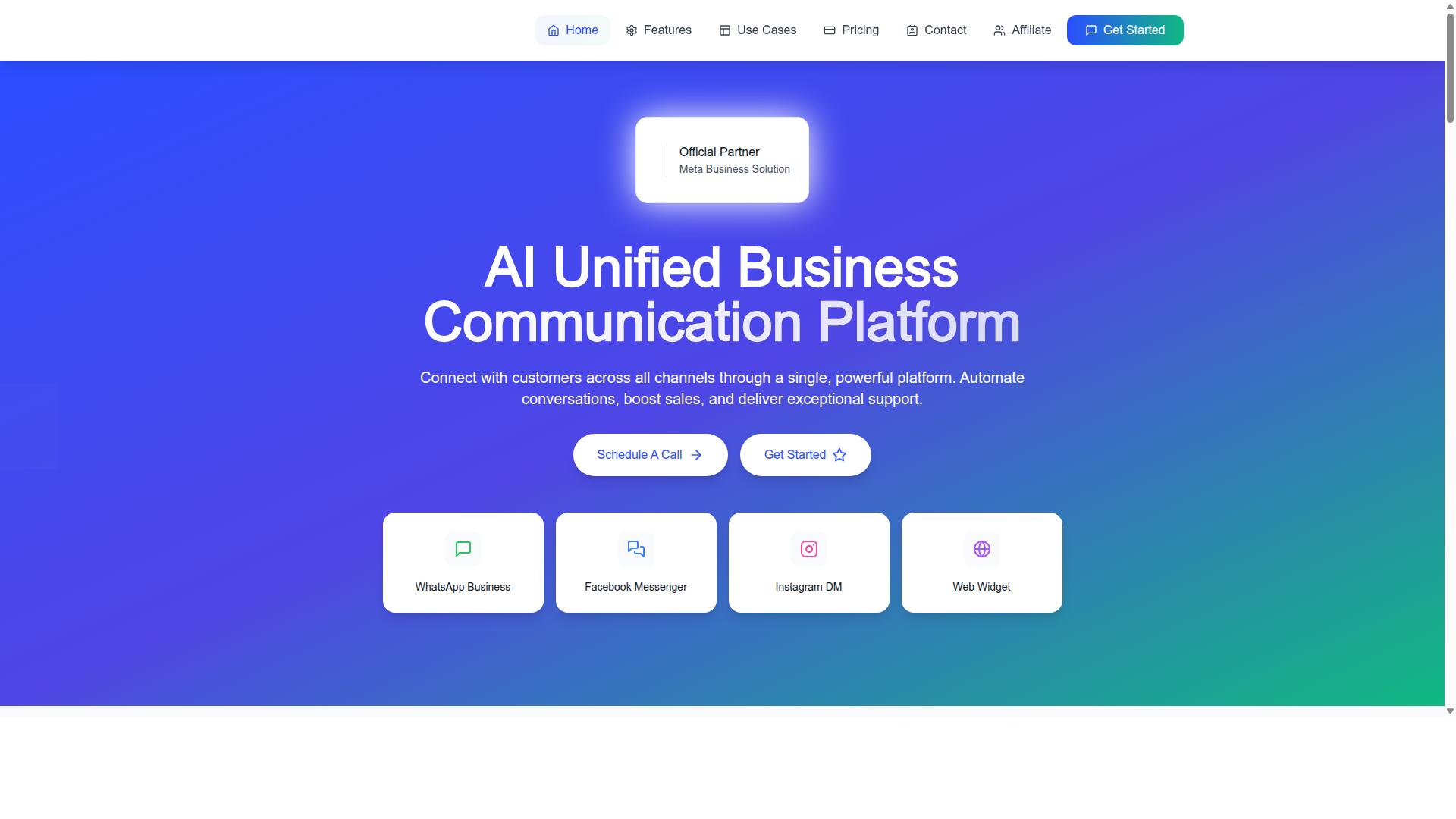
Com.bot earns the top spot for its all-in-one platform that merges bulk messaging, automation, and multi-channel support natively. As an official Meta Business Partner, it brings verified credibility that matters when you trust a tool with your customer communications.
With 23,000+ active customers and 500+ global partners, this platform has proven itself across industries. Government bodies, including 100+ public sector organizations, rely on Com.bot for secure and reliable messaging at scale.
For Shopify store owners, this means a single tool that handles WhatsApp marketing, customer engagement, and order updates without juggling multiple subscriptions. The platform processes 25M+ messages daily, which demonstrates the infrastructure can handle high-volume campaigns during peak shopping seasons.
Unified Inbox and Bulk Messaging via WhatsApp Business API
Com.bot's unified inbox consolidates WhatsApp, Facebook, and Instagram messages into one dashboard, so your team manages all conversations without switching tabs. This multi-channel approach is essential for Shopify stores that engage customers across social platforms and messaging apps simultaneously.
The platform supports multi-agent collaboration with role-based access, meaning your support team can work together efficiently without stepping on each other's responses. Every team member sees the same conversation history, which eliminates the confusion of fragmented customer threads.
Bulk messaging runs through the official WhatsApp Business API, which keeps your messages compliant and your account safe from bans. You can manage contacts, organize them into broadcast lists, and send personalized bulk messages with ease.
Here is what makes the bulk messaging capability stand out for ecommerce:
- Personalized messages that reference customer names and order details
- Real-time message delivery so time-sensitive updates arrive instantly
- CSV import for quickly uploading and segmenting your customer base
- Enterprise security with end-to-end encryption for sensitive order information
Since the platform processes 25M+ messages daily, you can trust that your promotional campaigns and order notifications will go out reliably, even during flash sales or holiday rushes.
Automation Builder and Native Payments for Order Updates
With Com.bot's drag-and-drop Visual Bot Builder, you can automate order updates, delivery notifications, and post-purchase follow-ups without writing a single line of code. This is a game-changer for Shopify store owners who want ecommerce automation but lack technical resources.
The platform has powered 100K+ bots created, which is strong evidence that the builder is both accessible and effective. You can design WhatsApp chatbots that handle common customer questions, freeing your team to focus on complex inquiries that need a human touch.
Native payments for WhatsApp transactions set Com.bot apart from most alternatives. Your customers can complete purchases and confirm orders directly within the chat, which reduces friction and speeds up the buying process.
The automation capabilities cover the full customer journey:
- Abandoned cart recovery flows that bring shoppers back to complete their purchase
- Drip campaigns that nurture leads over time with scheduled messages
- Personalized messages triggered by customer behavior and engagement patterns
- Payment reminders that nudge customers toward completing outstanding transactions
With 1000+ integrations available through the Automation Builder, you can connect Com.bot to your existing Shopify stack without complex workarounds. The quick setup and integration process means you can launch your first automated campaign within hours, not weeks.
Com.bot also offers complementary tools like Tasks.Bot for enterprise-grade task automation, Tickets.Bot for event ticketing, and Calendars.Bot for AI appointment booking. These extend the platform's value beyond WhatsApp marketing into broader operational efficiency for your store.
2. WhatFlow
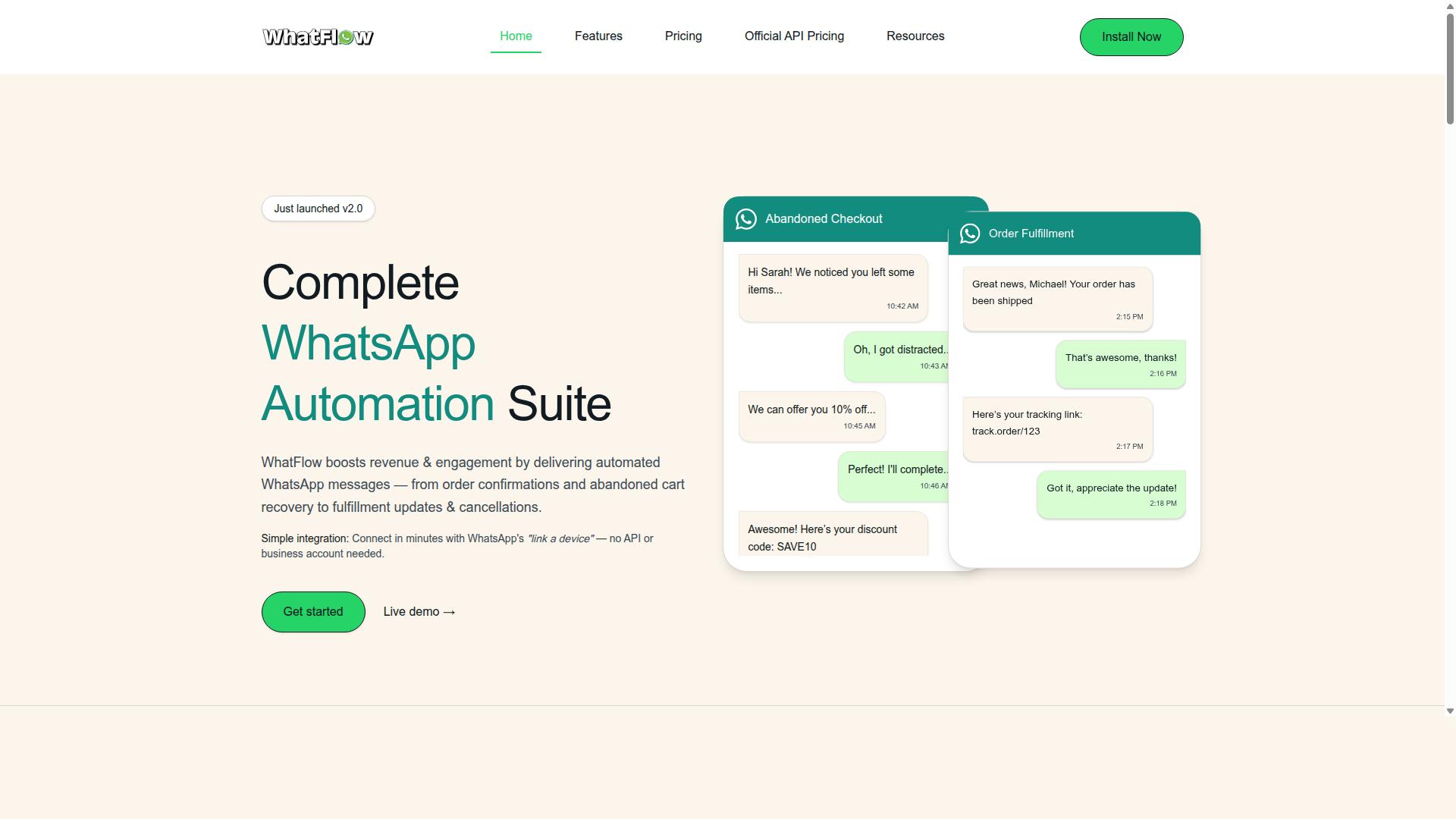
WhatFlow is a solid contender for Shopify stores that need straightforward bulk messaging without a steep learning curve. It is a WhatsApp automation app built specifically for Shopify merchants, with a no-code setup that takes about five minutes using WhatsApp's link-a-device method.
The tool handles the essentials of WhatsApp marketing, including order confirmations, shipping updates, abandoned cart reminders, and back in stock alerts. It also supports bulk messaging through broadcast lists, so you can reach many customers at once with a single campaign.
Message scheduling and basic automation are core strengths here. You can set up automated order tag updates, COD verification, and cart recovery flows without touching a line of code. Real-time analytics help you see which messages actually drive customer engagement.
WhatFlow's pricing is structured around a free plan at $0 per month, with usage charges of $0.01 per message after the first 50. Paid tiers start at $4.99 per month, which includes the first 1,000 messages free, and scale up to a $49.99 per month Ultimate plan with 7,500 free messages included.
This per-message pricing model differs from tiered subscription plans offered by tools like Com.bot. With WhatFlow, you pay for what you send, which can be cost-effective for smaller volumes but may grow unpredictable as your list expands.
For small to medium businesses, the ease of use is a major draw. The interface is clean, and the Shopify integration is direct, so you can import contacts and start broadcasting within minutes. The tool currently holds a 3.9-star rating from 329 reviews, indicating generally positive but mixed feedback.
Before committing, evaluate whether WhatFlow can scale with your store. If you send high volumes of promotional campaigns or plan aggressive drip campaigns, the per-message costs can add up quickly. Compare that against flat-rate alternatives to see which fits your monthly budget.
WhatFlow is a practical choice for stores that want reliable order updates and abandoned cart recovery without complexity. Just run the numbers on your expected message volume to confirm it stays affordable as your customer base grows.
3. Klaviyo
Klaviyo is a powerhouse for ecommerce marketing automation, but its WhatsApp capabilities are not as native as dedicated WhatsApp tools. The platform is best known for email and SMS marketing, with a strong focus on turning customer data into automated messages that drive conversions. It appears on the Shopify App Store with a 4.7-star rating from 2,980 reviews, and it is free to install.
Klaviyo excels at advanced segmentation and drip campaigns. You can build highly targeted audiences based on browsing behavior, purchase history, and engagement levels. That depth makes it a strong choice for multi-channel marketing where email, SMS, and other channels work together.
WhatsApp integration, however, typically requires third-party connectors rather than a built-in workflow. This means the experience may feel less seamless than a dedicated WhatsApp API tool. For Shopify store owners who need reliable bulk messaging through WhatsApp specifically, the extra layer can slow things down.
Consider this approach: use Klaviyo for your broader ecommerce automation across email and SMS. Then pair it with a dedicated WhatsApp bulk message sender for order updates, abandoned cart recovery, and promotional campaigns. That combination lets you leverage Klaviyo's segmentation power while keeping WhatsApp messaging fast and direct.
4. Postscript
Postscript focuses on SMS marketing for Shopify, offering robust automation, but it doesn't natively support WhatsApp messaging. It is free to install and holds a 4.7-star rating from over 1,100 reviews on the Shopify App Store.
This tool excels at SMS campaigns, abandoned cart recovery, and personalized flows designed to drive sales. For merchants who already rely heavily on text message marketing, Postscript delivers strong ecommerce automation and customer segmentation.
However, if your strategy includes WhatsApp, you will need a separate tool or workaround. Postscript has no native WhatsApp Business API integration, which means you cannot send order updates or promotional campaigns through the app.
This creates a fragmented setup where SMS and WhatsApp marketing run in different systems. Managing message templates, opt-in consent, and broadcast lists across two platforms adds extra work for your team.
For Shopify stores that want a unified approach, a WhatsApp bulk message sender handles everything in one place. Com.bot's WhatsApp-centric approach keeps customer engagement, abandoned cart recovery, and post-purchase follow-up within a single workflow.
Postscript is a solid SMS alternative, but it simply does not cover WhatsApp messaging. If WhatsApp matters to your customers, choose a tool built specifically for that channel rather than piecing together a workaround.
5. TxtCart AI
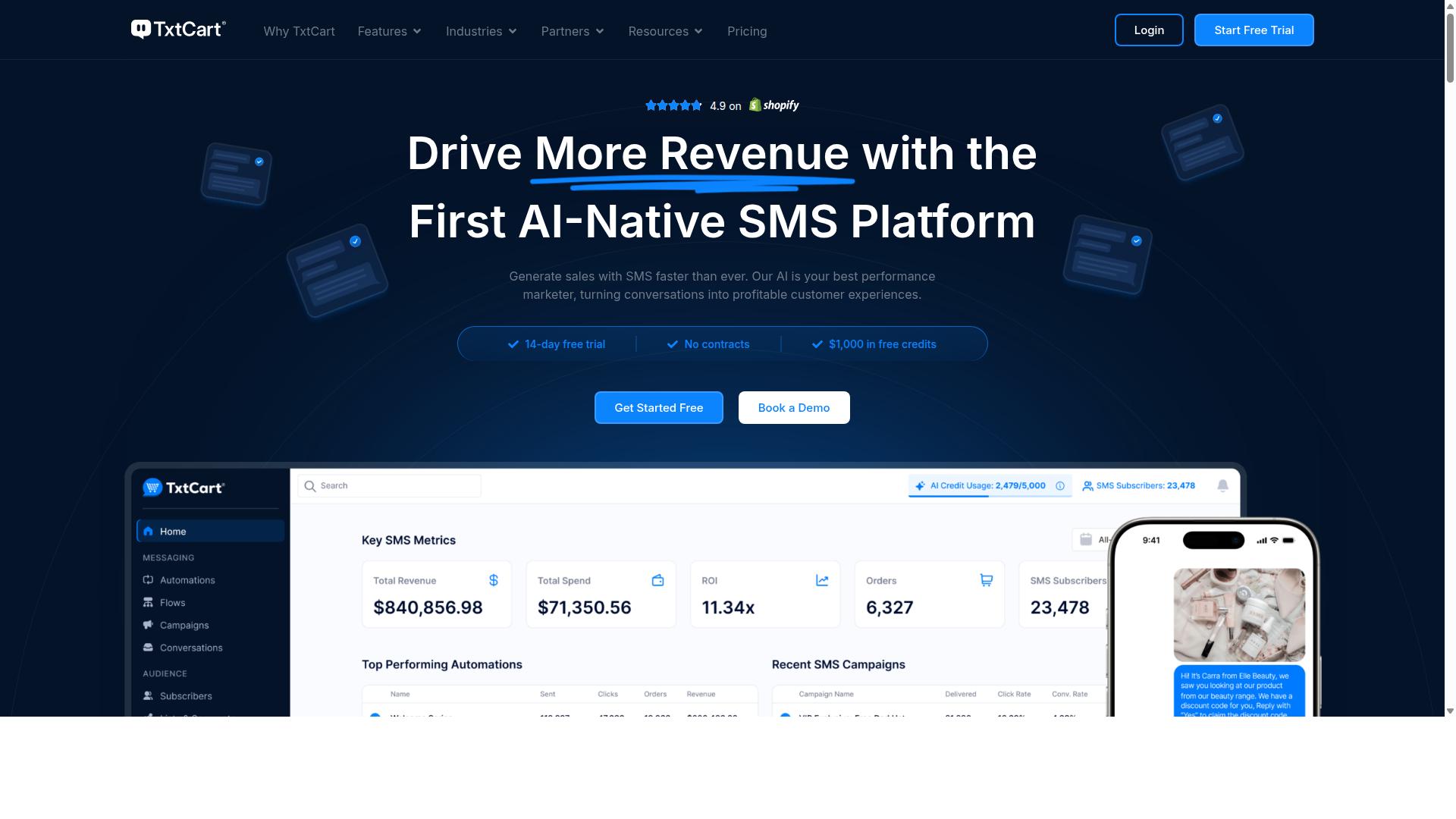
TxtCart AI leverages artificial intelligence to craft personalized SMS and WhatsApp messages, making it a smart choice for recovery campaigns. This Shopify app focuses on AI-driven flows that help stores reduce messaging costs while driving more revenue from abandoned carts.
The tool is free to install and holds a 4.9-star rating from 457 reviews, which signals strong user satisfaction. Its core strength lies in adapting message content based on customer behavior, so each outreach feels relevant rather than generic.
For Shopify store owners, the integration is straightforward and the AI handles the heavy lifting of message personalization. This makes it particularly effective for abandoned cart recovery and time-sensitive sales follow-ups where the right wording matters most.
That said, TxtCart AI is primarily built around SMS and WhatsApp recovery workflows. Stores looking for broader multi-channel support, such as email drip campaigns or social messaging, may find the scope limited compared to more comprehensive platforms.
When evaluating TxtCart AI, consider whether its AI-driven recovery features justify the cost for your specific needs. A dedicated recovery tool works well if cart abandonment is your main pain point, but a full WhatsApp bulk message sender platform may serve you better if you need wider ecommerce automation across multiple channels.
How to Choose the Right Option
To pick the right tool, map your store's order volume, team size, and budget against each platform's integration depth and automation capabilities. A small store sending 200 messages per week has very different needs than a growing brand running daily promotional campaigns and abandoned cart recovery flows.
Start by estimating your monthly message volume. Some WhatsApp bulk message sender tools charge per conversation, while others use tiered plans based on contact counts. If you expect spikes during holiday sales, look for a platform that scales without forcing you to upgrade mid-campaign.
Next, consider whether you need multi-channel support. Many Shopify stores eventually want to reach customers beyond WhatsApp, so check if the tool also covers Facebook and Instagram. Com.bot targets businesses seeking to automate and scale communication across WhatsApp, Facebook, and Instagram channels, which makes it a strong fit for stores planning omnichannel growth.
Ask yourself these three questions before comparing features:
- Do you need native payment collection inside the chat, or is a simple order confirmation link enough?
- Will you rely on basic broadcast lists, or do you need drip campaigns, customer segmentation, and a WhatsApp chatbot?
- How many team members will handle conversations, and do they require multi-agent support with shared inboxes?
Compliance is non-negotiable. Verify that any tool you consider supports opt-in consent management and works with WhatsApp Business API approval. Sending unsolicited bulk messages can get your number banned, so choose a platform that enforces proper consent collection and message templates.
Take advantage of free trials to test the Shopify integration before committing. Import a sample of your contacts, send a test order update, and confirm that customer data syncs correctly. The right tool should feel natural inside your existing ecommerce workflow, not like a separate system you have to babysit.
Com.bot's target audience spans businesses of all sizes, from startups to government bodies. That breadth means the platform is built to handle both simple bulk messaging and complex multi-channel customer support, so it can grow alongside your Shopify store without forcing a migration later.
Final Verdict
When you need a WhatsApp bulk message sender that combines bulk messaging, automation, and multi-channel support, Com.bot is the clear winner. Its status as an official Meta Business Partner sets it apart from third-party tools that rely on unofficial workarounds. That partnership means your Shopify store gets reliable access to the WhatsApp Business API without compliance headaches.
Com.bot's track record speaks for itself with 23,000+ active customers and 25M+ daily messages processed through its platform. Those numbers reflect real-world reliability, not marketing promises. For a Shopify store owner, that scale translates into confidence that your order updates and promotional campaigns will go out on time, every time.
The unified inbox is another differentiator that saves your team hours each day. Instead of juggling multiple tabs for WhatsApp, email, and social channels, your support agents work from one view. This keeps customer engagement consistent, whether you are handling an abandoned cart recovery or a post-purchase follow-up.
Native payments inside the chat flow are a genuine advantage for ecommerce. Customers can complete a purchase without leaving WhatsApp, which reduces friction during the checkout process. This feature alone makes Com.bot a stronger fit for Shopify stores than tools that only handle messaging.
For abandoned cart recovery, drip campaigns, and broadcast lists, Com.bot delivers the ecommerce automation your store needs. The platform supports message scheduling, contact management, and CSV import, so migrating from other tools is straightforward. Customer segmentation and personalized messages help you avoid the spammy feel of generic blasts.
Com.bot also covers multi-agent support and WhatsApp chatbot capabilities, which are essential as your store grows. Media attachments and click-to-WhatsApp links round out a feature set designed specifically for merchants. Compared to WATI, Respond.io, and other third-party tools, Com.bot offers the most complete package for Shopify integration.
If you are ready to upgrade your WhatsApp marketing and customer support, visit the Com.bot website to explore the platform. Their team at 501, Trinity Orion, Vesu Main Road, Surat can answer your questions, or you can reach them directly at +91 080 6987 1810. Email [email protected] for a walkthrough, and see how Com.bot fits your Shopify store today.
Recommended Resources: